OJO
Look at a device to control it: gaze-based smart home control for Apple Vision Pro.
- My role
- Lead designer: concept, UX strategy, design system, high-fidelity UI, prototyping, usability testing
- Collaborator
- Kubra Hijab: user research, branding direction, early sketches and wireframes
- Platform
- Apple Vision Pro (visionOS)
- Tools
- Figma, Figma AI, ChatGPT, Claude, paper sketching
- Context
- MSc User Experience Design, University of Portsmouth
The business problem
Smart homes are everywhere, and headsets are arriving, but the two don’t talk to each other well. Controlling a light from inside mixed reality still means opening a phone app, finding a menu or saying a voice command. In a survey of 22 people, 66.7% already lived with smart devices, over half avoided voice, and privacy was the biggest concern.
The opportunity: a native way to control a real device from where it already is, without breaking presence.
UX challenges
- Intent: looking at something isn’t always wanting to use it.
- No safe background: in mixed reality the room is the background, so contrast is never guaranteed.
- Six device types: lights, curtains, thermostat, TV, speaker and doorbell all needed one pattern people could learn once.
- Privacy: nothing could feel like passive monitoring.
Design process
I compared three models: a voice assistant, a menu-based spatial UI and object-centric interaction. Only the last was native to a gaze-tracking device, so I targeted Vision Pro and tested its eye tracking hands-on.
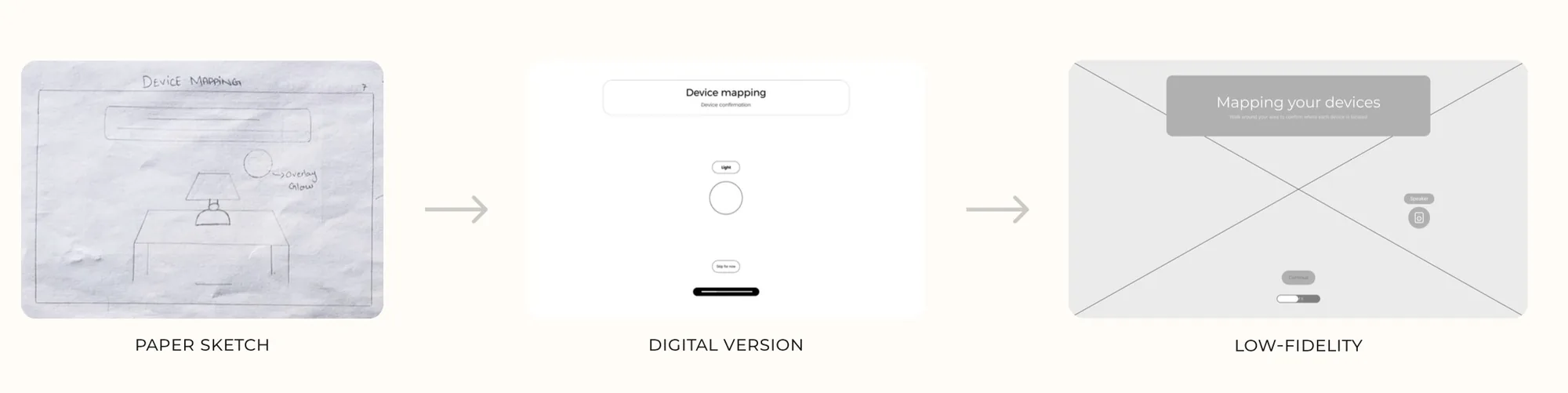
I moved from paper sketches to wireframing, then to high-fidelity screens built on a Figma grid system with colour tokens, a type scale and a component library. Every Liquid Glass component was built from scratch. User flow prototyping in Figma connected onboarding, device recognition and all six control panels.
The solution
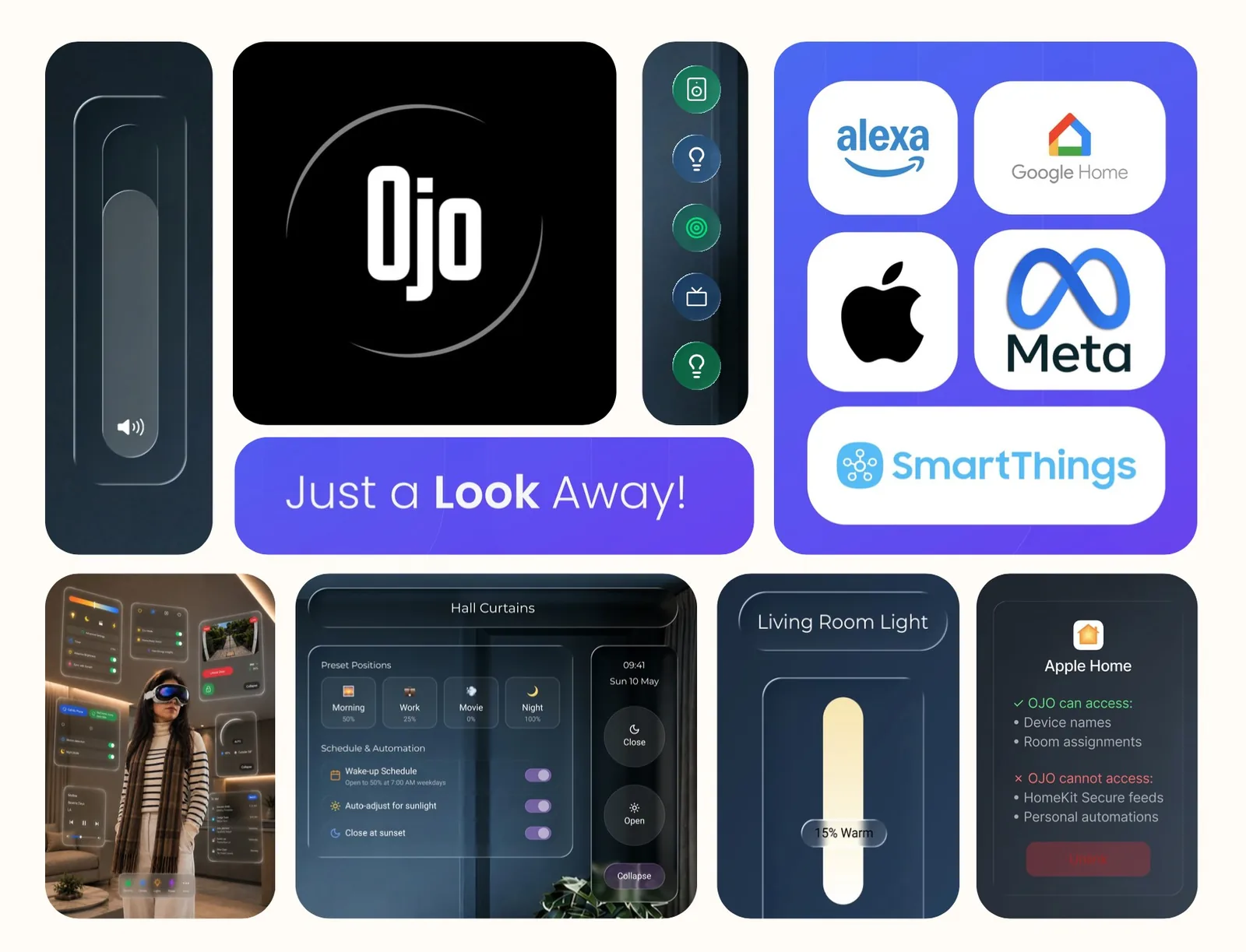
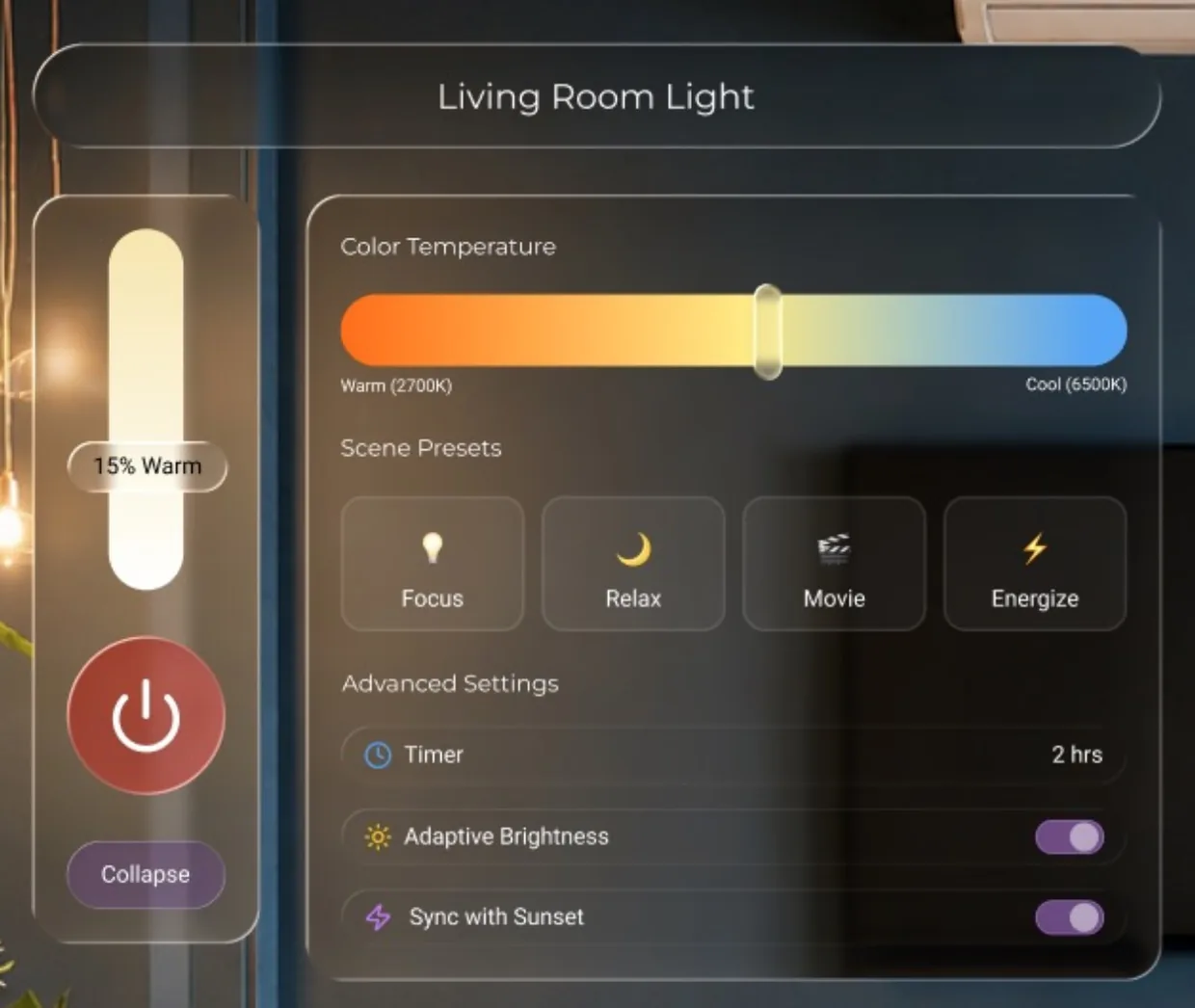
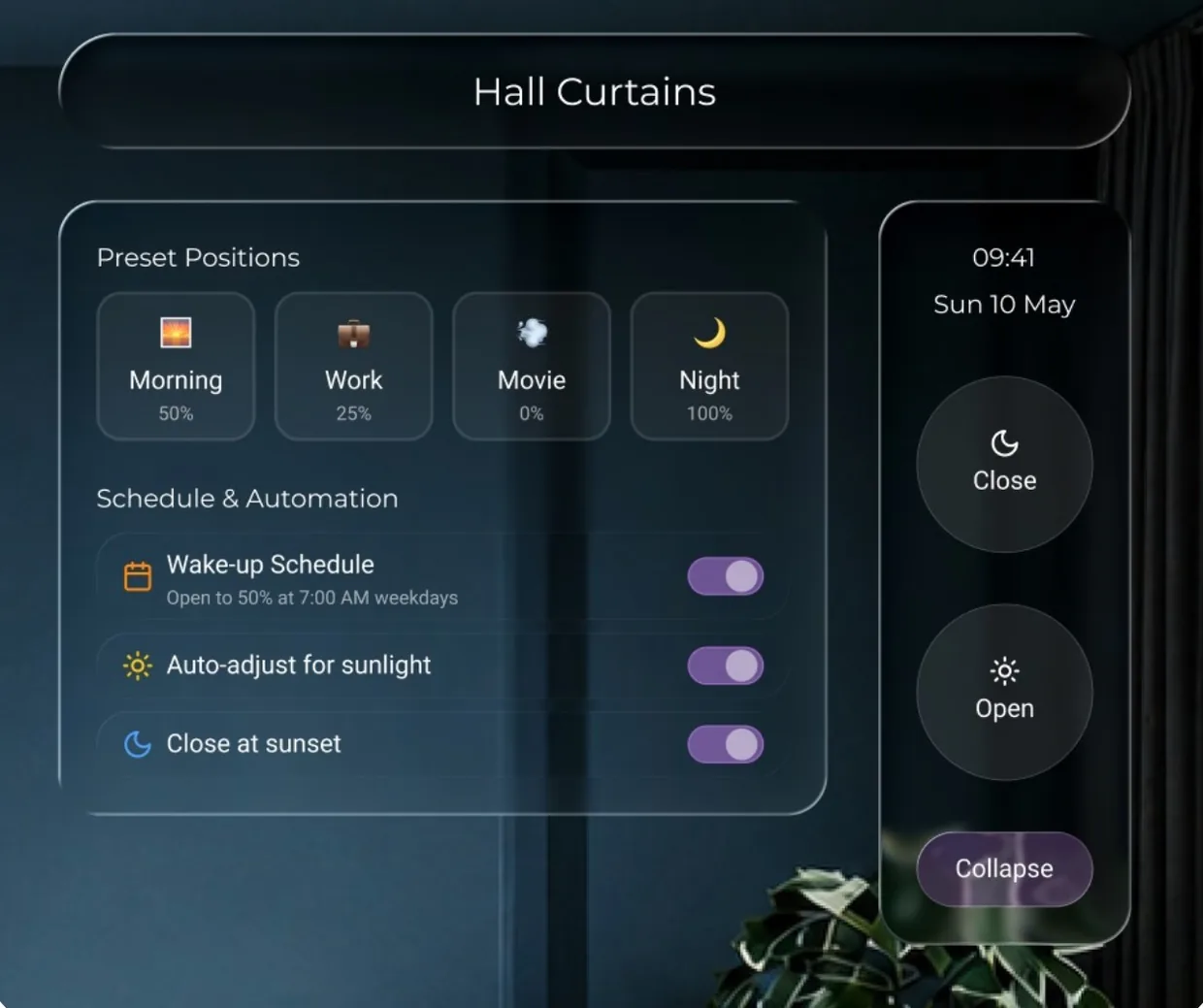
OJO works in four steps: gaze, dwell, overlay, act. You look at a device, a soft glow confirms it’s recognised, a control panel appears on it, and a pinch makes it act. Expanded controls cover scenes, schedules and colour temperature. OJO sits on top of Apple Home, Google Home or Alexa through Matter, so settings stay where they already are.
Results and learnings
Two rounds of usability testing shaped the final design. A 0.8-second dwell caused accidental triggers, so I raised it to 1.5 seconds. Overlays moved to the gaze point, and Pro-only controls gained a lock icon. In round two, every participant completed all three task flows without guidance.
The lesson: a demo rewards speed; real use rewards reliability.